
Key takeaways
- Lighting is the most vital factor for high-quality base images; prioritize soft, natural daylight.
- Neutral, uncluttered backgrounds help the software focus entirely on your facial features.
- A straight, eye-level camera angle ensures realistic proportions and professional results.
- Avoiding large accessories like hats or heavy makeup yields a more authentic final generation.
- Providing a variety of subtle expressions gives the algorithms more accurate data to work with.
Your profile picture is often the first thing recruiters, hiring managers, and networking connections see when they visit your page. Making a strong first impression is easier than ever, thanks to modern technology. You no longer need to book an expensive, time-consuming studio session to get a polished look. Instead, you can create a stunning AI LinkedIn Headshot using just your smartphone and a few minutes of your time.
However, the secret to getting a flawless result is starting with a great base photo. If you provide a blurry, poorly lit, or heavily filtered selfie, the final image might not look entirely like you. By following a few simple photography guidelines, you can ensure your generated professional AI LinkedIn headshot looks authentic and striking. Let us explore exactly how to capture the ideal starting images for your professional transformation.
Understanding How an AI Headshot Generator Works
To get the absolute most out of your chosen AI headshot generator, you need to understand how it processes your images. The software analyzes your facial features, skin tone, eye spacing, and bone structure from the selfies you upload. It then maps these intricate details onto professional attire and corporate backgrounds.
The better the input data you provide, the better the final output will be. High-quality input photos give the algorithms accurate, high-resolution details to work with. This means fewer visual artifacts and a much higher likeness to your actual appearance. When your goal is securing high-quality professional headshots for LinkedIn, taking a few extra minutes to capture excellent source photos makes all the difference in the world.
Nailing the Lighting for Your LinkedIn Photos
Lighting is arguably the single most significant element of any photograph. For an AI LinkedIn Headshot, even lighting across your face is absolutely necessary. Avoid harsh shadows that split your face in half, cast dark spots under your eyes, or hide your cheekbones.
Natural daylight is your best friend here. Stand facing a window during the day, allowing the soft, indirect sunlight to illuminate your face evenly. Do not stand with the window behind you, as this will heavily backlight your photo and turn your face into a dark silhouette. Overcast days are actually brilliant for selfies, as the clouds act as a giant diffuser, creating soft, flattering light.
Avoid standing directly under bright ceiling lights, as these can cast unflattering shadows under your eyes and nose, creating a tired appearance. If overhead lighting is your only option, take a step back and tilt your face slightly upward to catch the light more evenly. If you must shoot at night or in a dark room, use a ring light or a soft desk lamp positioned directly in front of you.
Selecting the Best Backgrounds and Angles
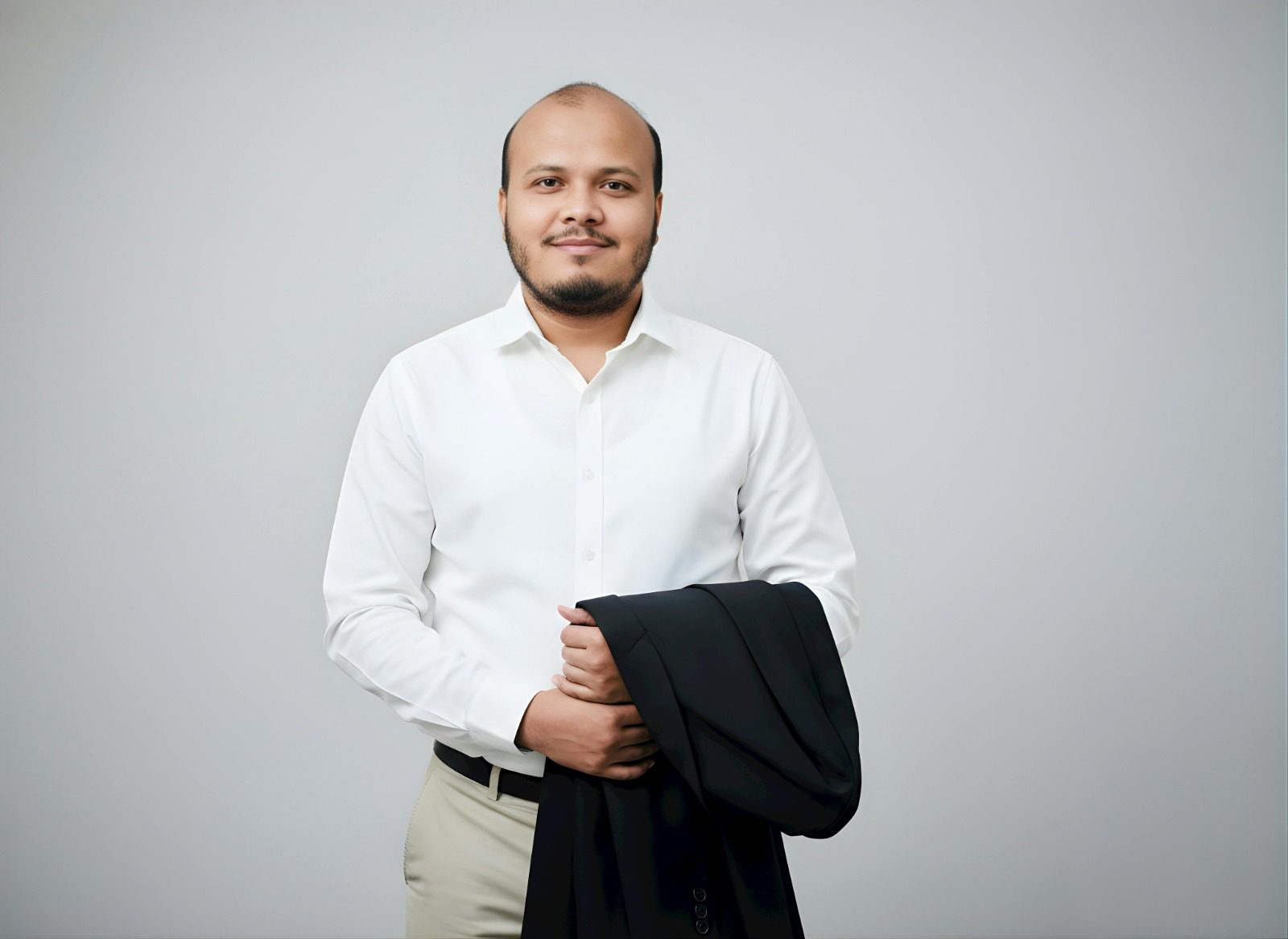
The background of your selfie should be as plain and undistracting as possible. A blank wall in a neutral color like white, gray, or light beige is ideal. Busy backgrounds filled with furniture, posters, bold patterns, or other people can confuse the software, leading to strange artifacts around your hair or shoulders. If you do not have a blank wall available, try hanging a plain, unwrinkled bedsheet behind you. The core objective is simply to remove any visual clutter that might interfere with the background replacement process.
When you take your selfies, pay close attention to the angle of your camera. Hold your phone exactly at eye level. Shooting from too low can distort your jawline and make you look imposing, while shooting from too high can make your forehead look unusually large and distort your natural proportions.
Keep your head straight and look directly into the camera lens, not at the screen. You want to replicate the exact posture you would have if a professional photographer were directing you in a real-life studio.
Preparing Your Look: Clothing and Grooming
Even though the AI will likely replace your everyday clothing with a sharp suit, a blouse, or a smart-casual blazer, your neckline still matters significantly. Wear a simple shirt with a standard collar or a plain crew neck. Avoid turtlenecks, heavily layered scarves, or bulky hoodies, as these can interfere with how the software renders your neck and shoulders, sometimes causing unnatural blending.
Keep your hair and makeup close to how you look on a regular workday. Ensure your hair is styled neatly and pulled away from your face if possible. Stray hairs falling across your eyes or cheeks can sometimes be misinterpreted by the rendering engine, resulting in strange artifacts. Heavy smartphone filters or dramatic evening makeup can alter your features too much, leading to an AI LinkedIn Headshot that feels artificial or unlike the real you.
Accessories should be kept to an absolute minimum. Remove sunglasses, hats, and overly large statement earrings. Glasses are fine if you wear them daily and want them in your final photo, but try to minimize glare on the lenses by adjusting your lighting or head angle slightly.
Expressing Your Professional Personality
Your facial expression sets the tone for your entire profile and personal brand. A warm, approachable smile is usually the best choice for LinkedIn photos. You want to appear friendly, confident, and ready to connect with industry peers and potential employers.
Take a few variations of your smile. Try a few with your teeth showing and a few with a softer, closed-mouth smile. Having a variety of expressions in your uploaded batch gives the AI more data to create a well-rounded final portfolio.
Avoid exaggerated expressions, pouting, or frowning. Neutral, pleasant expressions translate best into corporate and professional environments. Consistency in your demeanor helps the software generate an image that feels authentic to your character.
Elevating Your Images with the Right Tools
Once you have your perfect batch of selfies, the next step is feeding them into a high-quality processor. For those looking for top-tier results without the hassle, using a dedicated platform makes the process incredibly simple. As an ultimate AI photo enhancer and face editor, Facelab offers a streamlined experience designed specifically for professionals seeking an upgrade.
You can easily generate your AI LinkedIn Headshot by uploading your carefully taken selfies directly into their system. The advanced algorithms focus on preserving your unique likeness while upgrading the background, lighting, and attire to perfectly match corporate standards.
By combining your excellent source photos with powerful enhancement tools, you guarantee a profile picture that helps you stand out to recruiters and peers alike. It is a small investment of effort that yields massive returns for your digital networking.
Final Checklist Before Generating Your Photos
Before you upload your images to an AI headshot generator, do a quick quality check to ensure optimal results.
- Check the focus: Ensure your photos are crisp and not blurry. Blurry images lack the fine details the AI needs to recreate your eyes and skin texture accurately.
- Review the framing: Your face and shoulders should take up the majority of the frame. Do not crop the top of your head off, and make sure your shoulders are clearly visible.
- Clean your lens: A smudge on your phone’s camera lens can create a hazy effect. Wipe it down with a microfiber cloth before shooting.
- Gather enough photos: Most generators require a batch of 10 to 15 images. Provide a mix of slight angle variations, as long as your face remains clearly visible and well-lit in all of them.
Conclusion
Creating an outstanding AI LinkedIn Headshot starts long before the software begins its rendering process. It begins with your camera, your lighting, and your immediate environment. By prioritizing clear visibility, neutral backgrounds, and a natural, approachable expression, you set the perfect stage for brilliant, professional results.
Investing a little time in taking high-quality selfies ensures that your professional headshots for LinkedIn will look polished, realistic, and uniquely yours. Grab your smartphone, find a well-lit window, and start capturing the photos that will instantly upgrade your digital professional presence and help you make the right connections.